

Custom ROM for Meizu
Flyme, all of it.
None of the limits.
Take your Meizu global with Google Play, Android Auto, more languages and steadier notifications — free. Plus adds OTA updates and a private support channel.
Community project • Unofficial
Watch it
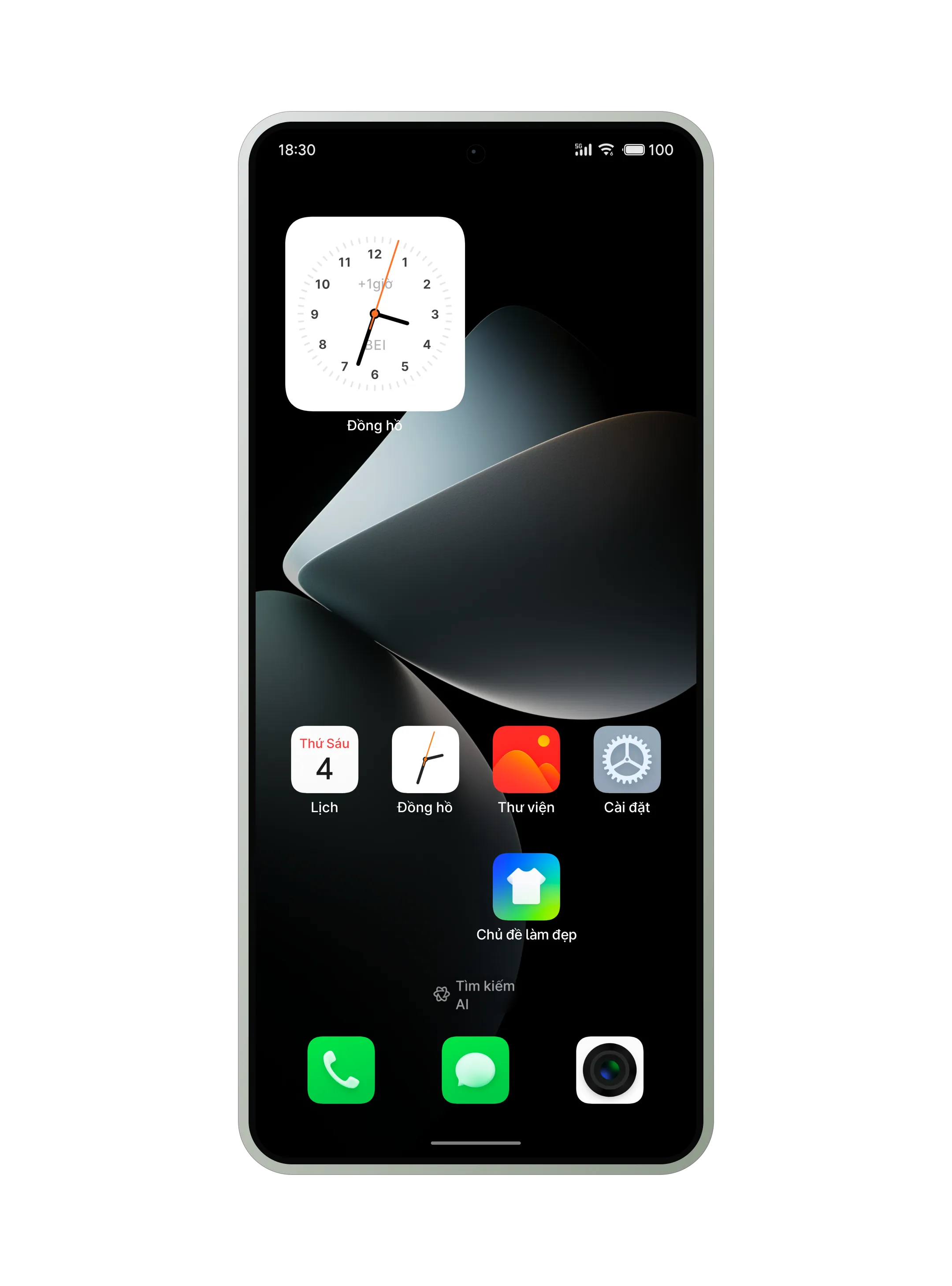
FlymeVN, shot on a real phone.
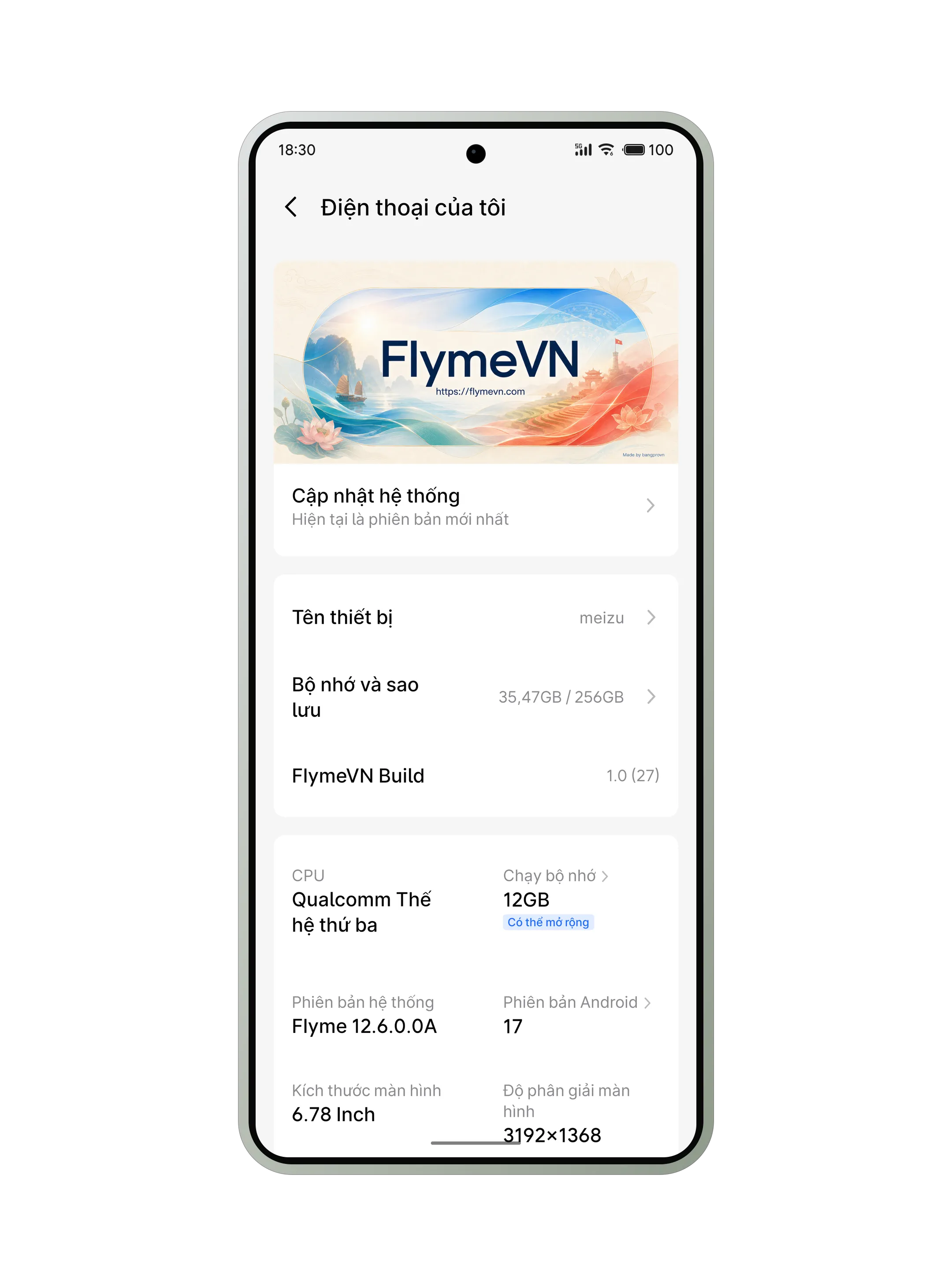
Every frame is screen capture from a Meizu 22 running FlymeVN — nothing re-staged, nothing illustrative. 1 minute 23 seconds.
In the film: Stock Flyme on the Meizu 22 · Eight supported Meizu phones · Every language unlocked · FlymeVN Toolbox · Play Integrity Fix · Google Play, complete · A self-compiled Linux kernel · The 1.1 bug-fix log · OTA updates · Trial themes unlocked · Android Auto and Gemini.
Music: “Come Alive” — Infraction.

Everything you need
One ROM.
Six changes that matter.
Flyme keeps its character, and opens up to the way the rest of the world uses a phone.
-

Google Play ready
-

Android Auto
-

More languages,
Vietnamese included
-

OTA updates Plus
-

China-only features
removed -

Steadier
notifications
Ready from the first boot
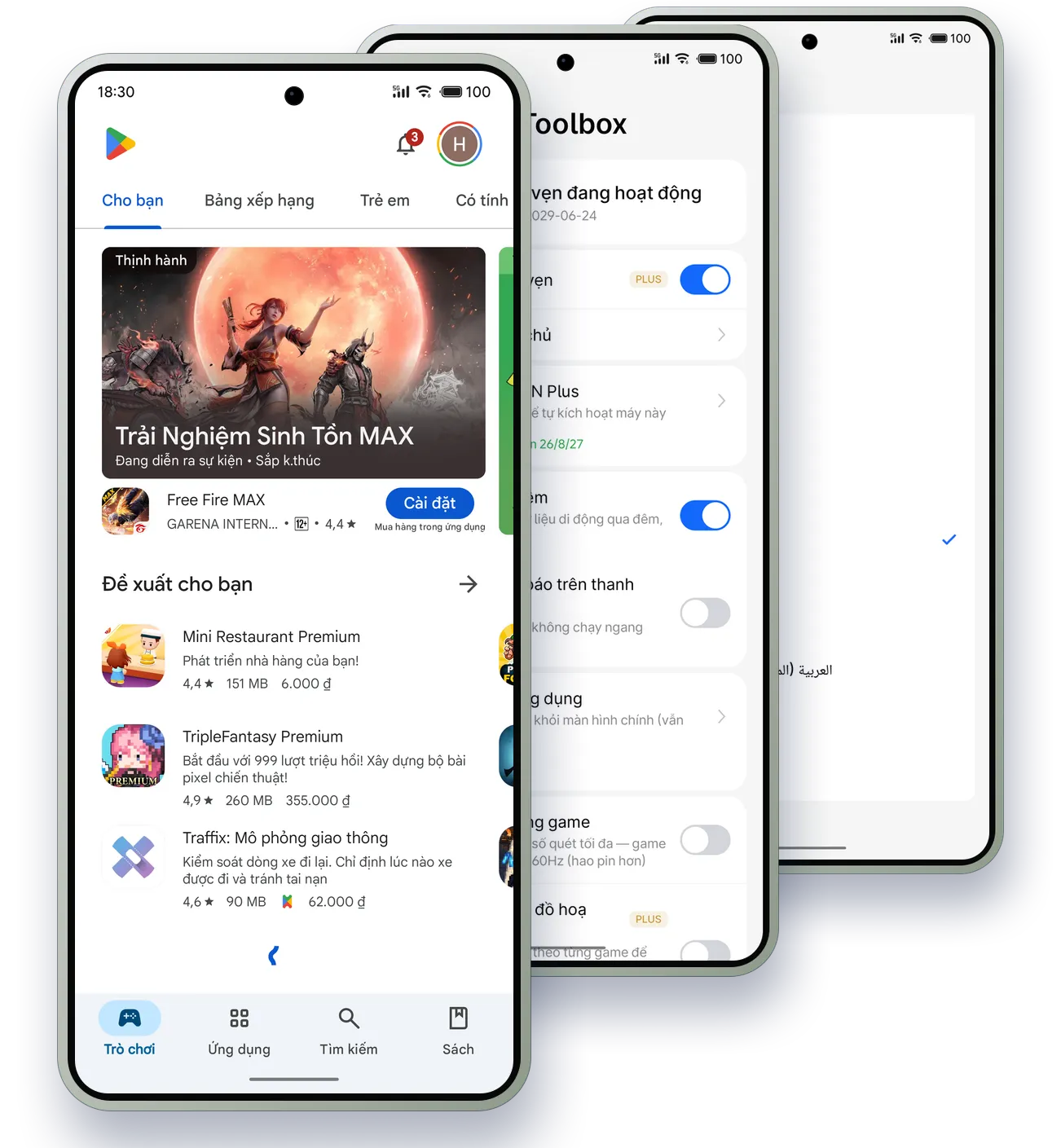
Google Play, already there.
Notifications that arrive.
Sign in, install apps and get notifications that hold — without unpicking one restriction at a time.

Google Play installed & enabled by default

Notification delivery tuned
The phone photograph is from a real device (a Meizu 21 Pro running FlymeVN). The rest of the artwork is illustrative.
Go further
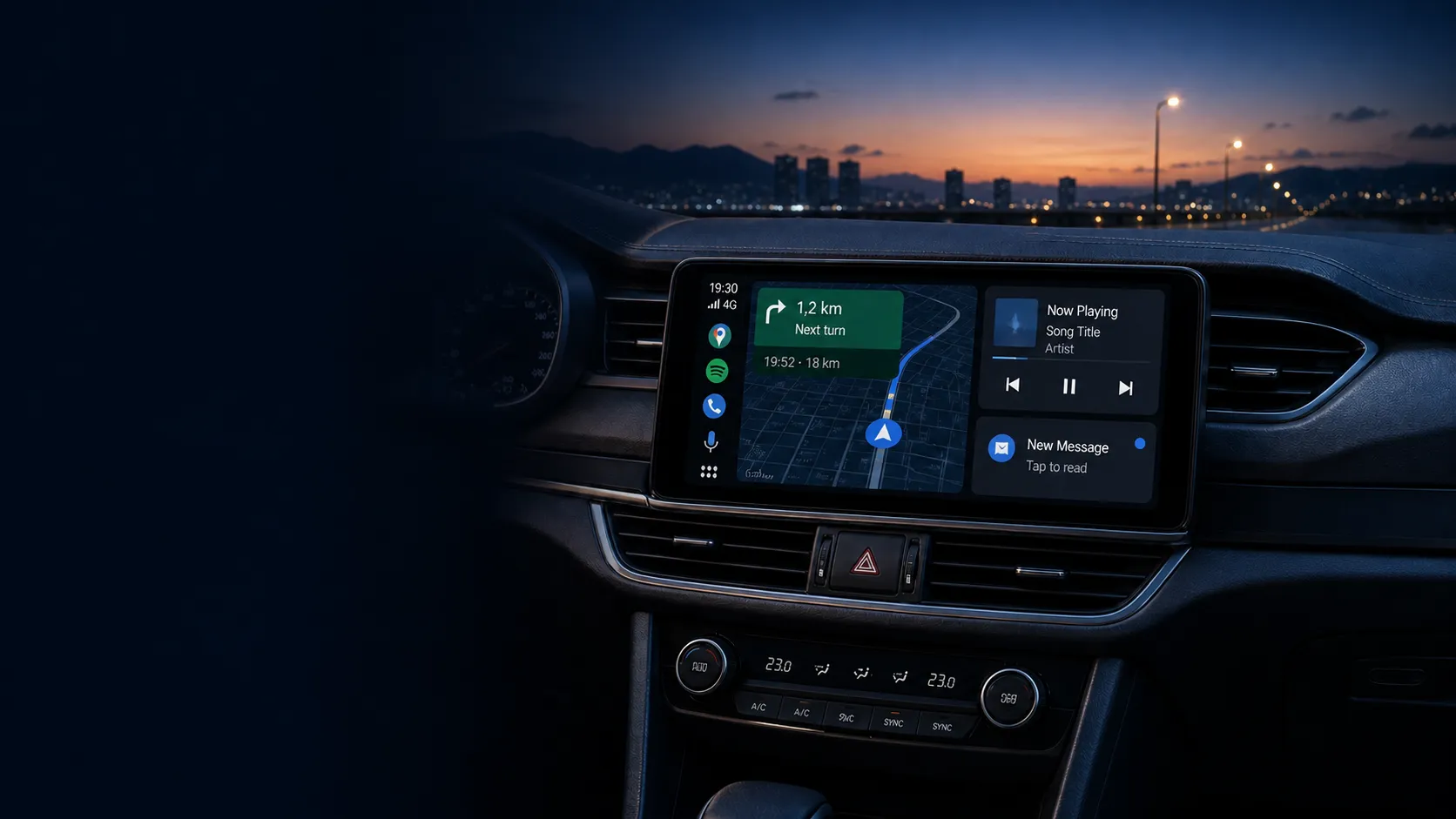
Get in the car
with Android Auto.
Use the phone in
your own language.
Connect the drive, pick a language you actually think in, and use a Meizu naturally anywhere.

Android Auto
supported

More locales,
Vietnamese included
System language
Choose a language
- Tiếng Việt (selected)
- English
- Français
- Deutsch
- Español

Lighter. Easier to update.
Fewer things you never asked for.
Plus OTA, when you want it.
FlymeVN strips out the China-only services that do not belong here. New builds are always published for everyone; Plus pushes them straight to the phone over the air.
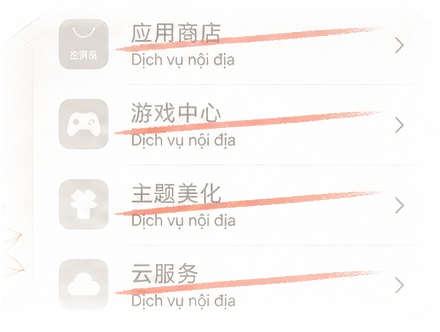


China-only components
taken out

Updates delivered
on the phone — Plus
Free and FlymeVN Plus
You pay for the support, not the ROM.
The free ROM has nothing cut out of it. Plus buys OTA updates, font packs, the full game graphics catalogue and a private support channel.
-

OTA updates
The phone finds and downloads new builds itself — no reflashing from a computer.
-

Private support channel
A channel just for Plus users, with a 48-hour response commitment.
-
Free
For people happy to update themselves
$0 — forever
Install the stable build and reflash whenever a new one lands. Nothing inside the ROM is locked.
- Included: Install the stable build
- Included: Every feature in the ROM
- Included: Questions in the open community channel
- Not included: Font packs and the full game graphics catalogue
- Not included: OTA updates on the phone itself
- Not included: Private support channel, answered within 48 hours
-
FlymeVN Plus
For people who want the phone to handle the rest
- $3 / 3 months ≈ $1 per month
- $10 / 12 months Best value ≈ $0.83 per month
The same ROM, plus OTA updates, font packs, the full game graphics catalogue and a private support channel.
- Included: Install the stable build
- Included: Every feature in the ROM
- Included: Questions in the open community channel
- Included: Font packs and the full game graphics catalogue
- Included: OTA updates on the phone itself
- Included: Private support channel, answered within 48 hours
Buy PlusPaying from Việt Nam: 50,000 ₫ for 3 months, or 150,000 ₫ for 12 months.
Plus is a support and update-convenience plan. The free ROM stays fully featured.
Supported devices
The list keeps growing.
Every phone below already has a build in the FlymeVN catalogue. The list is read straight from that catalogue, so a new phone shows up here the moment its first build is published.
-
Meizu 20
-

Meizu 20 Infinity
-
Meizu 20 Pro
-
Meizu 21
-
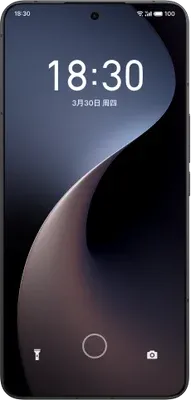
Meizu 21 Note
-
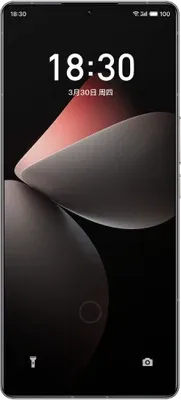
Meizu 21 Pro
-

Meizu 22
-
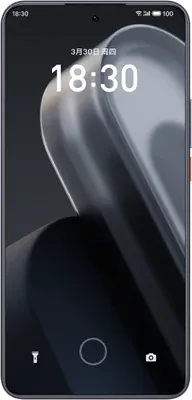
Meizu Lucky 08
-
More phones on the way
The list grows as builds for new phones are published.
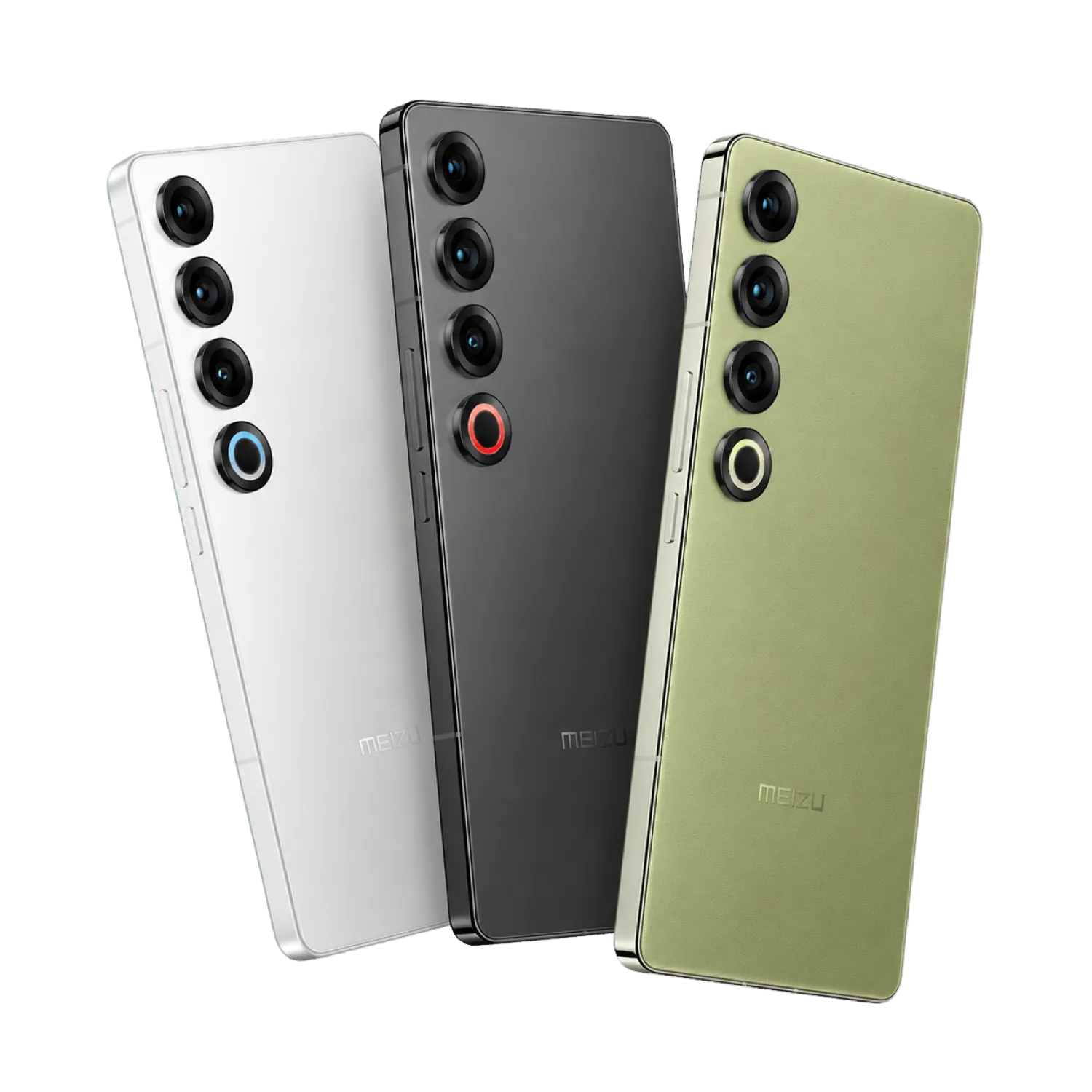
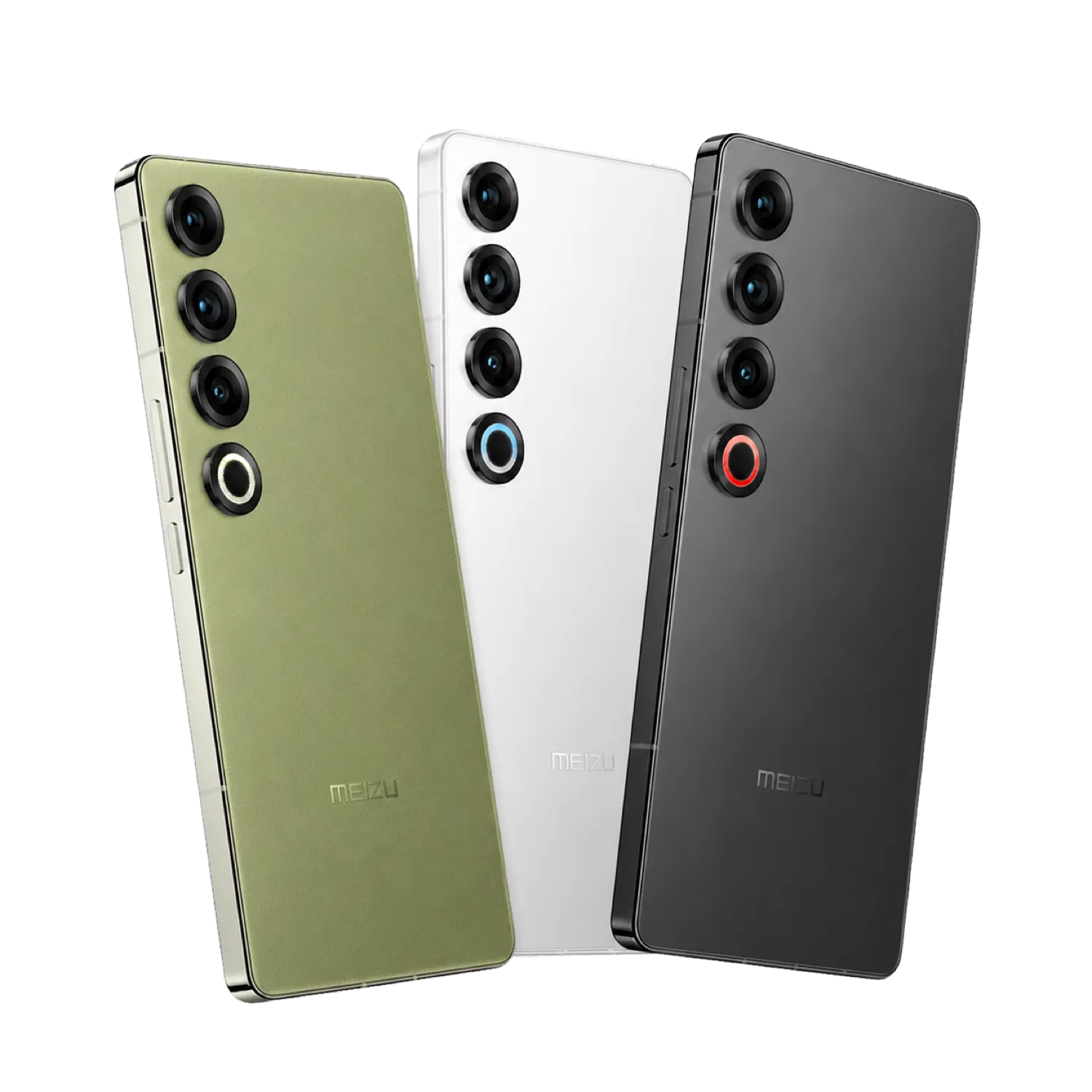
The device photographs are Meizu's own product renders, used to identify a model.

Where we stand
Play Integrity Fix only.
No ROM distributed illegally.
Two things FlymeVN holds to, stated plainly so nobody has to guess.
-
Play Integrity Fix, and nothing else
FlymeVN supports Play Integrity Fix, the open-source module, and only that. The project does not bundle, sell or refresh keyboxes.
-
No ROM distributed illegally
FlymeVN does not distribute ROMs illegally, and will not host or link to a build it has no right to share.
Download FlymeVN Flasher for Windows
The Download page is back with the Flasher app. It identifies the phone and selects the matching build, on Windows and macOS.
DownloadCommunity project • Unofficial • Always back up your data before installing